1. Choose your photo
Choose V1 or V2, then upload a JPG, PNG, or WebP. The AI service starts automatically: V1 uses 3 credits and V2 uses 5. Your photo is sent for processing, which may take a couple of minutes.

A clean backdrop for the photos you already like.
Keep the photo you like and remove what’s behind it. Upload to our image background remover, let AI prepare your cutout, and see the result on this page. Start with V1 without signing up; downloads have no extra charge or watermark.
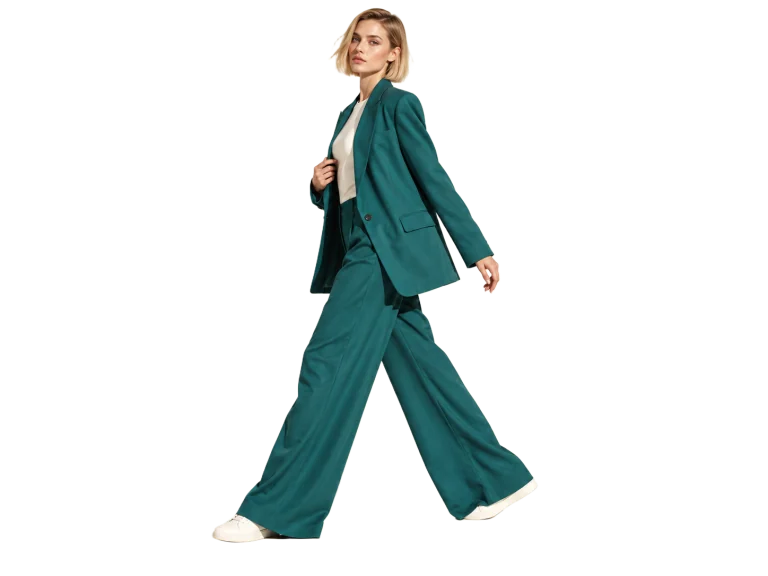
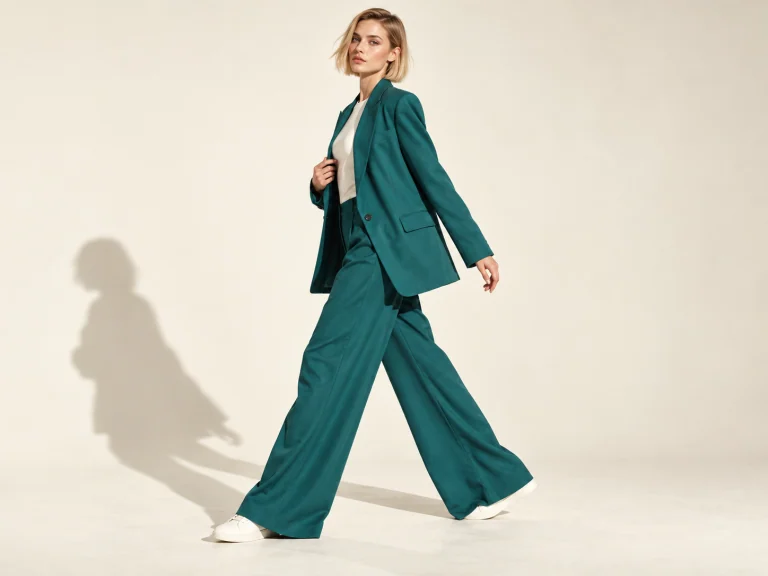
AI-generated example photos with refined cutouts. Check hair, glass, and small gaps in the result from your own photo.
Upload a photo. Get a transparent cutout and see the result right here.
or drop a photo here
JPG, PNG, WebP · up to 15 MiB · 12 megapixelsV1: 3 credits · V2: 5 credits. Downloads cost no extra credits.
Your photo is sent for AI processing.
Choose V1 or V2, then upload a JPG, PNG, or WebP. The AI service starts automatically: V1 uses 3 credits and V2 uses 5. Your photo is sent for processing, which may take a couple of minutes.
Your cutout appears on this page as soon as AI finishes. Switch between Original and Background removed to inspect faces, product labels, and edges before saving.
Download PNG or WebP to keep transparency. JPG fills empty areas with white. Downloads cost no extra credits; you can also upload another photo or generate a new result.
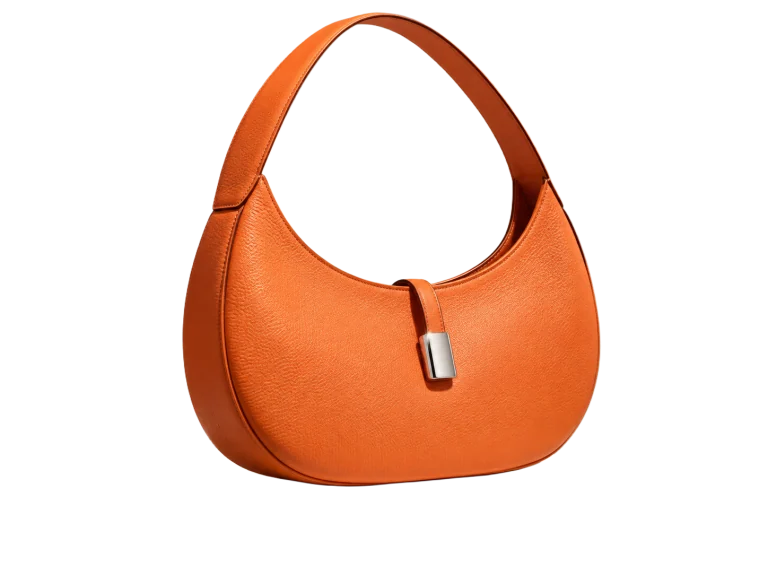
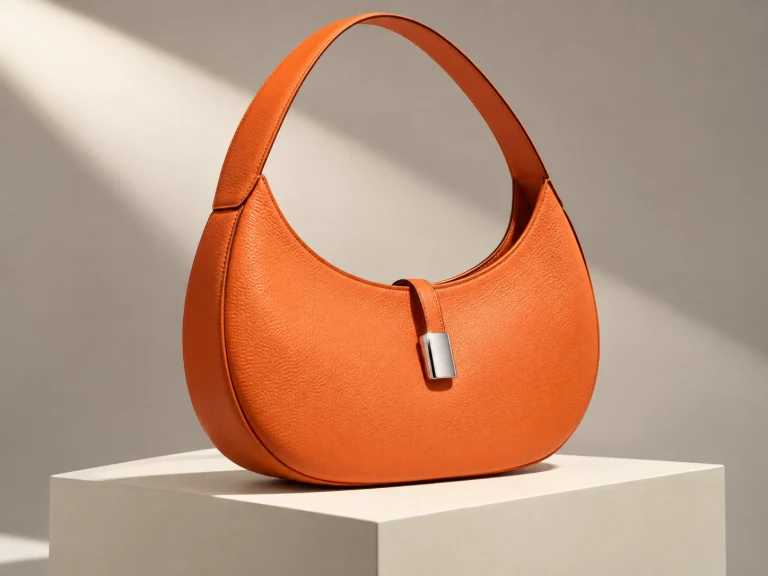
PRODUCT PHOTOS
A busy tabletop can distract from a good product. Use the image background remover for bags, ceramics, or handmade goods, then check colors and texture against your original.
To remove background image clutter, upload your product photo and check the gaps around handles. Save a transparent master for listings and seasonal promotions.
Remove image background free online

PORTRAITS & PROFILES
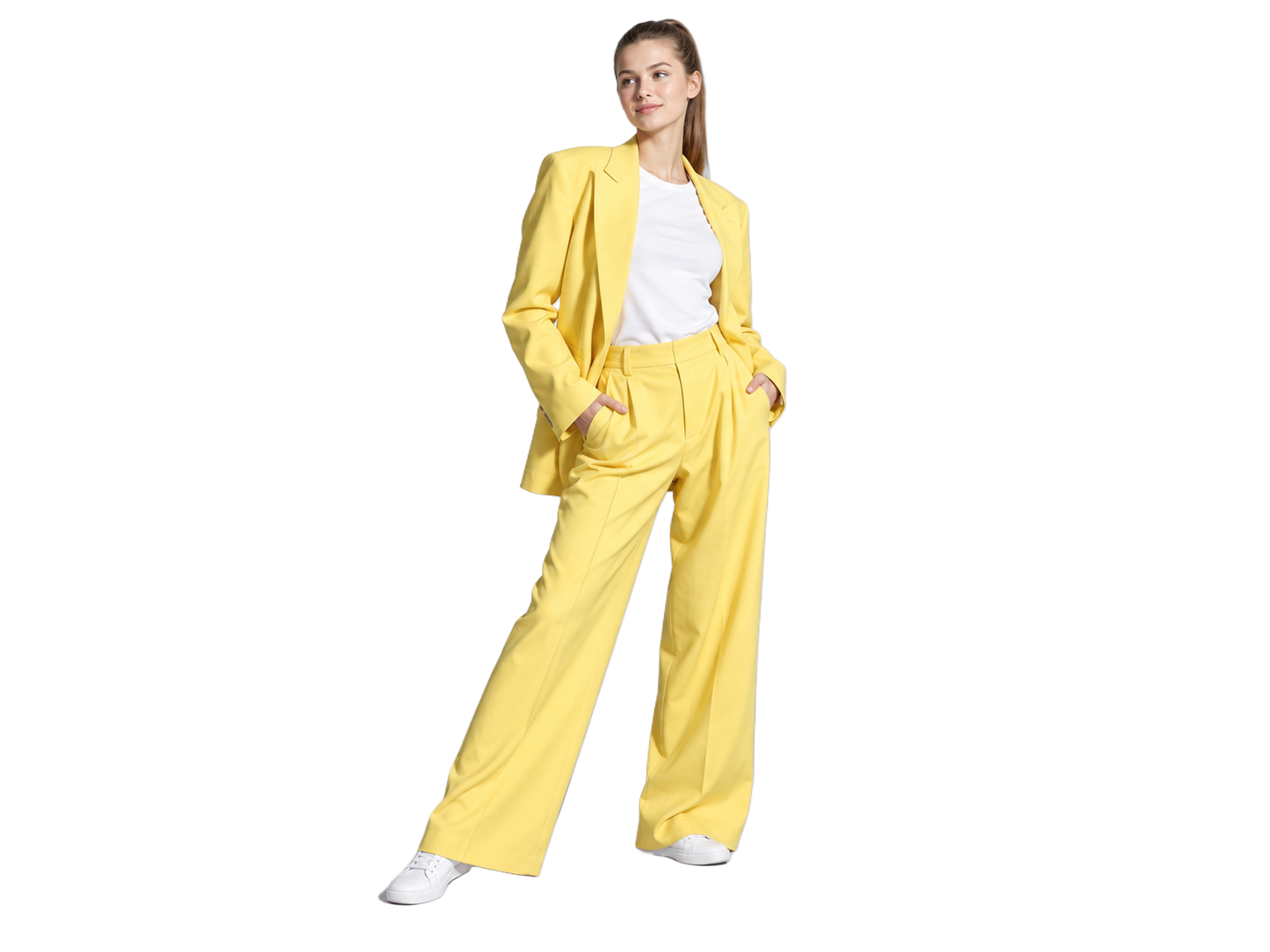
Your favorite portrait might have a messy room behind it. This online image background remover can give it a cleaner setting for a profile picture or team page.
To remove bg from image files of people, start with a sharp photo. Inspect flyaway hair and shoulders, and compare the face with your original before saving.
Remove image background free online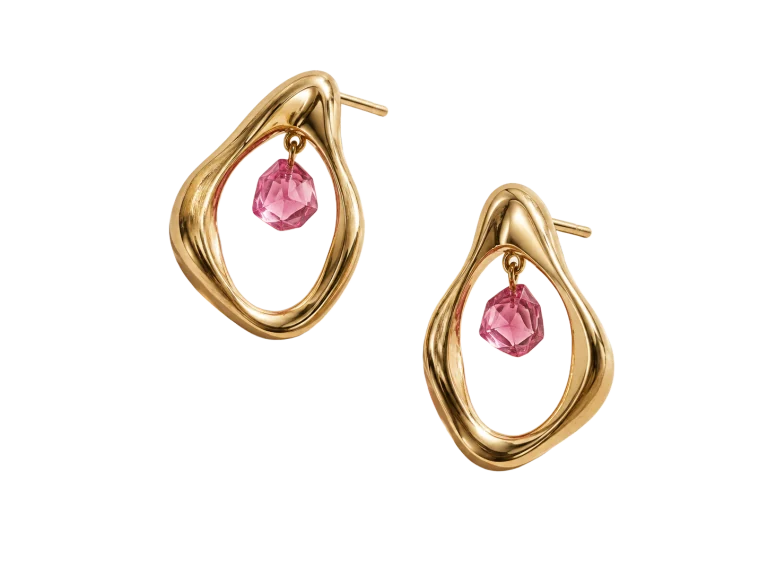
FINE DETAILS
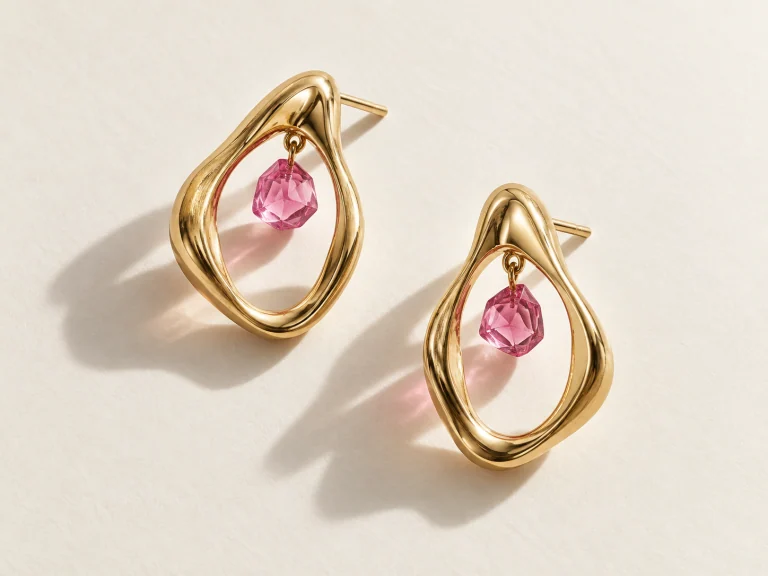
Earring loops, soft fur, and sheer fabric deserve a closer look. Compare your image background remover result with the original to see how AI handled these details.
If AI misses an edge or changes a detail, try a clearer source or generate another cutout. Each new generation uses the credits shown for your selected model.
Remove image background free onlineTRY A DIFFERENT BACKGROUND
Our image background remover helps you clear the background of an image before placing it in a new design. Try the example on white, teal, or pink to see the difference.
A transparent cutout can be placed over different colors in your design app. Check for pale halos against a dark backdrop before using it in your final layout.
Choose your image background remover download to suit the next step. Keep a transparent master for layouts, or save a finished picture with a solid backdrop.
PNGNeed a clear background image for a slide or product card? PNG keeps transparent areas, so your subject sits directly on the design without a white rectangle.
Make a transparent PNGJPGJPG works for finished photos on a solid backdrop. Transparent areas save as white unless you select an opaque color or background photo first.
Make a photo with a backgroundWebPWebP supports transparency and efficient compression. Compare it with PNG at the size you plan to display; choose the download that looks right for your page.
Prepare an image for your websiteIllustrative cutouts. The file format is selected when you download your own image.
For transparency and compression details, see MDN’s image format guide.
Use our image background remover with your daily credits. Preview and download the finished image without extra credits or watermarks.
Image background removal sends your photo to our AI provider. Keep the tab open while your transparent cutout is prepared.
Open the image background remover and start with V1. No account is needed; V2 requires Google sign-in.
Compare the image background remover result with your original. AI can change small details or dimensions, so inspect faces, labels, and edges.
Generate another cutout from the same photo, or upload a new one. Choose V1 or V2 and see the credit cost before starting.
This online tool to remove background from image files works in compatible desktop and mobile browsers. AI processing needs an internet connection.
Choose the download format for your next step. The image background remover lets you export the finished result directly from this page.
| Export option | PNG & WebP | JPG |
|---|---|---|
| Background | Keeps the transparent pixels from the AI cutout. | Fills transparent areas with white. |
| Best for | Placing your subject on another color or design. | Sharing a finished image with a white backdrop. |
| Image details | Exports the AI result at its returned dimensions. | Uses the same result; JPG compression can soften details. |
| Download cost | No extra credits or watermark. | No extra credits or watermark. |
Switch between Original and Background removed before downloading. AI may change small details or dimensions; choosing a file format does not rerun the model.
Put your image background remover to work on listings, portraits, presentations, and the designs on your desk.
Cut a product out once, then use it on a white listing image or a colored promotion. Check straps and handles before putting it in your layout.
PRODUCT CUTOUTSKeep the pose and expression from a photo you like. Remove the surrounding scene, inspect the hair, and save the portrait for another background.
PORTRAIT EDITINGA transparent PNG lets you place the same subject on more than one design. Try a light and a dark backdrop to spot edges that need attention.
TRANSPARENT PNGSeparate a person or object from a busy photo, then add your own backdrop. Leave the text and final layout to the design app you already use.
CUSTOM BACKGROUNDSJewelry and textured fabric need a careful check. Compare your result with the original, then try another generation or a clearer source if needed.
DETAIL CHECKSRemove the rectangle around a photo before adding it to a slide. Save a transparent PNG so the subject fits the color of your presentation.
PRESENTATION IMAGESBring your photo, preview the AI cutout here, and download the format you need.
Remove an image backgroundMORE BACKGROUND TOOLS
Give your cutout a white backdrop, download a blank canvas, or return to the main editor for your next photo.
Yes, with 10 daily credits shared between guest and signed-in use. V1 uses 3 credits per cutout without an account; V2 uses 5 and requires Google sign-in. Preview and download your image without extra credits or watermarks.
Choose V1 or V2, then upload a photo. AI starts automatically and displays your cutout on the same page. Compare it with the original and download. Processing may take a couple of minutes.
Download PNG or WebP to preserve the transparent background. The checkerboard is a preview aid and is not included in your file. JPG fills transparent areas with white.
Hair, glass, and low-contrast edges can be tricky. Try a clearer source or generate another result using credits. AI can change details, so compare faces and product labels with your original before downloading.
This background image remover accepts one JPG, PNG, or WebP at a time, up to 15 MiB, 12 megapixels, and 6,000 pixels per edge. Large decoded files may need resizing. AI output dimensions can differ from the upload.
This page creates a transparent cutout. For a white backdrop, use the White Background tool in the AI Tools menu. For other colors or scenes, place the downloaded PNG or WebP in your design app.