1. Upload your photo
Upload a JPG, PNG, or WebP and choose V1 or V2. AI processing starts after upload and uses 3 or 5 credits. Files: up to 15 MiB, 12 megapixels, and 6,000 pixels per side.

Give portraits and products a clean white background with AI. Upload your photo, see the finished result right here, and download it in your preferred format.


AI-generated example photos, edited to show how the tool changes the backdrop. Check the edges of your own photo before saving.
Upload your photo. AI creates a finished image with a clean white background.
or drop a photo here
JPG, PNG, WebP · up to 15 MiB · 12 megapixelsV1: 3 credits · V2: 5 credits. Downloads cost no extra credits.
Your photo is sent for AI processing.
Upload a JPG, PNG, or WebP and choose V1 or V2. AI processing starts after upload and uses 3 or 5 credits. Files: up to 15 MiB, 12 megapixels, and 6,000 pixels per side.
The finished white photo appears on this page. Switch between Original and AI result to check faces, product details, and fine edges before saving.
Download PNG, JPG, or WebP at the dimensions returned by AI. Downloads use no extra credits. Save your result before processing another photo.
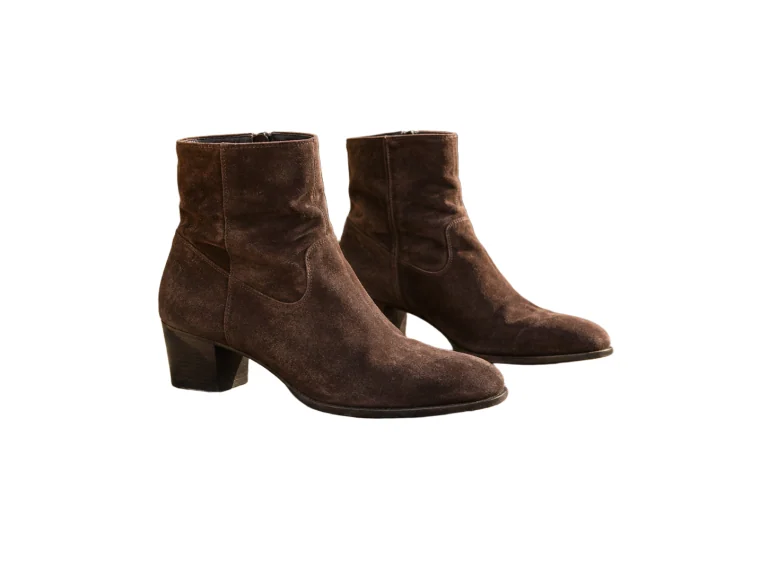
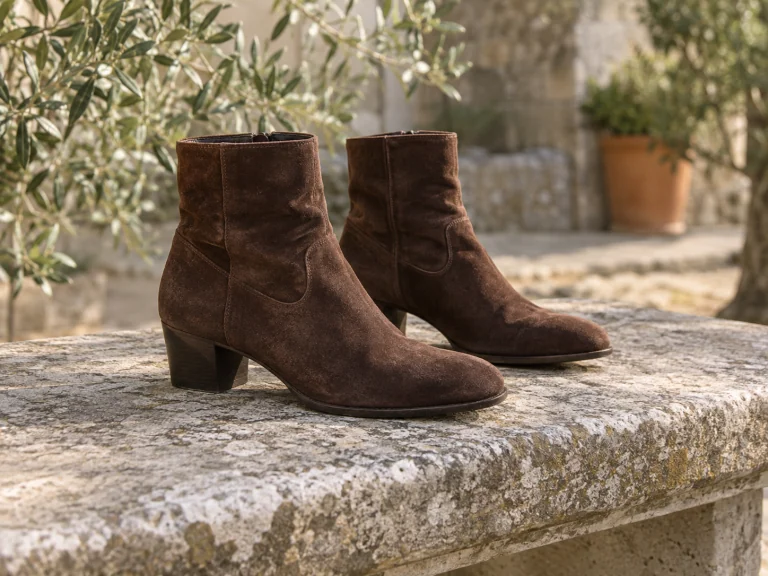
PRODUCT PHOTOGRAPHY
Use the White Photo editor to give table snapshots a clean backdrop. A bright white background for pictures helps buyers see the item clearly, from its stitching to its finish.
Leave space around the item in a plain white background photo. Keep the white background plain, and check your marketplace's rules before uploading.
Try the White Photo editor online

PORTRAITS & TEAM DIRECTORIES
Create a white photo background for resumes or team rosters. Review the AI result against the original to check skin tones, facial details, and clothing.
AI creates the complete image, so lighting and small details can change. Switch to Original for a direct comparison before downloading.
Try the White Photo editor online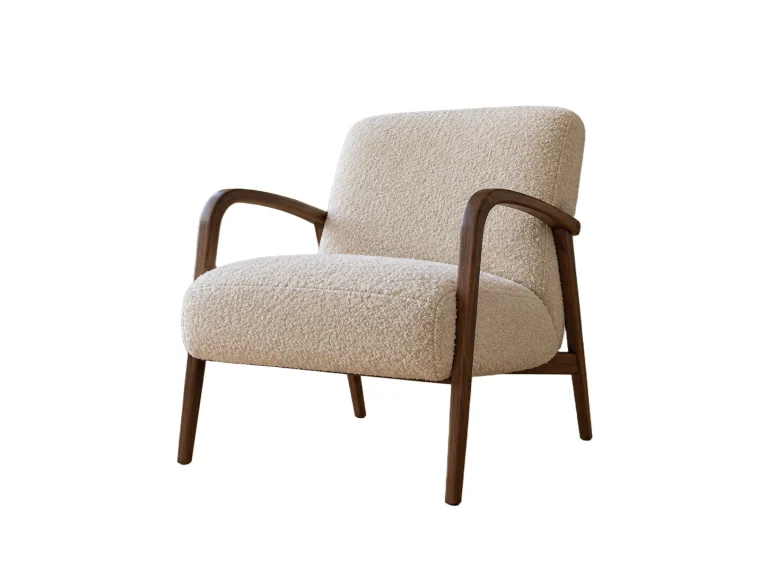
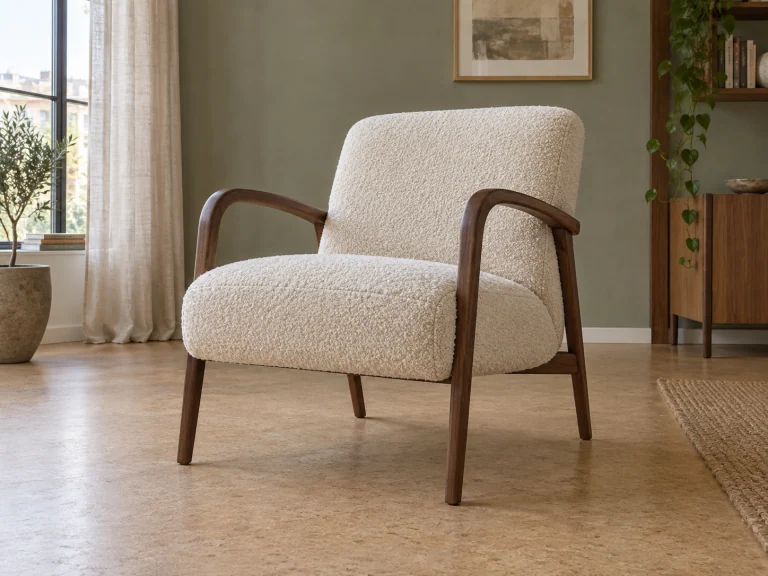
DETAIL REVIEW
Small gaps like chair rungs and bag handles need careful review. A white background makes these details easier to inspect in the AI result.
If the result needs another attempt, choose a model and generate again. Each new generation uses the credit amount shown on its button.
Try the White Photo editor onlineBLANK CANVAS DOWNLOAD
Create a blank White Photo without uploading an image. Choose dimensions and format to download a clean white background for editing.
This generator creates an all white background with every pixel set to #FFFFFF. The resulting white background image has no borders or watermarks.
Choose 1920 × 1080 for a white background in HD, or 1280 × 720 for a 720p white background. Custom sizes: up to 6,000 pixels per side within 12 megapixels. This creates a canvas; it doesn't enlarge your photo.
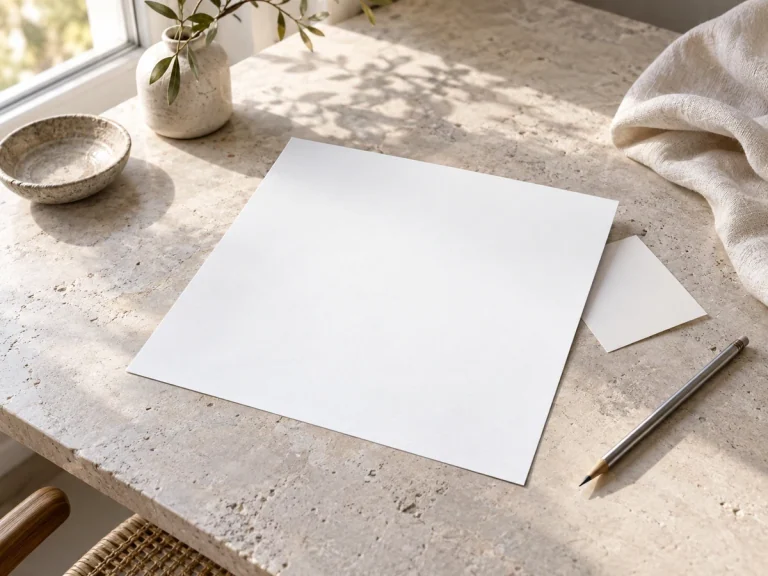
FROM EDIT TO EVERYDAY USE
Choose the format your shop or design app accepts. A White Photo keeps the same solid backdrop in all three formats.
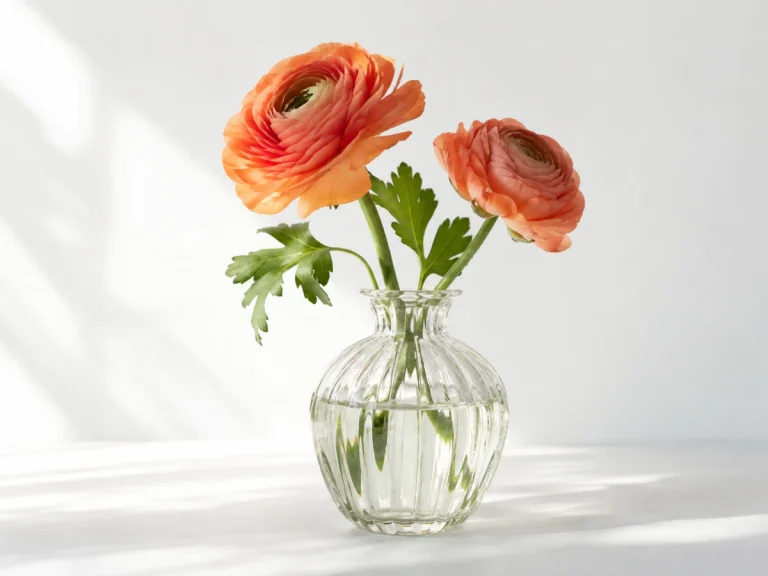 PNG
PNGDETAILS & FURTHER EDITING
Choose PNG when you need lossless quality for print. A white PNG background contains solid white pixels and does not create a transparent cutout.
Save as PNG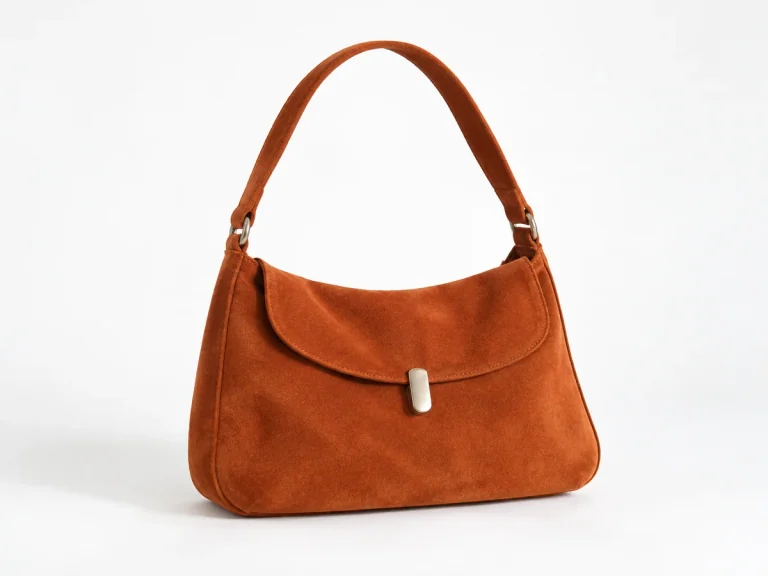 JPG
JPGPRODUCTS & EVERYDAY SHARING
A white JPG works well for emails and listings. Save your White Photo as a standard white background JPEG to balance visual quality and file size.
Save as JPG WebP
WebPPORTFOLIOS & WEBSITES
Try WebP if your website accepts it. Compare the exported file with PNG or JPG to check both file size and detail.
Save as WebPAI-generated example photos. The subjects shown can be saved in any of these three formats.
Need a transparent cutout instead? Try our background removerFor transparency and compression details, see MDN’s image format guide.
SIMPLE CONTROLS, CLEAN FINISH
Upload, preview, and download in one place. The finished AI image is ready to review without opening another editor.

Create clean product shots or portraits for your catalog. Keep your original picture if you want to test different crops.
Try the White Photo editor onlineV1 uses 3 credits and V2 uses 5. Review the model cost before uploading. Downloading a completed White Photo costs no extra credits.
Your photo is uploaded for AI editing. The completed image is shown directly on this page. Read our privacy policy for processing and storage details.
How we handle your photosAI is instructed to replace the surrounding scene with solid white. Check the finished background and subject edges before using the image.
Switch between your upload and the AI result in one place. Check faces, lettering, textures, and fine outlines before downloading.
Try another AI generation from the same original photo. The selected model and credit cost are shown before you start.
Download the completed White Photo in PNG, JPG, or WebP without adding a site watermark. Output dimensions follow the image returned by AI.
Choose a White Photo for a finished picture. Choose a transparent cutout when you'll place the subject over another color or design.
| Your next step | White background | Transparent background |
|---|---|---|
| What you save | An image with white background pixels around your subject. | Your subject with transparent space around it. |
| Works well for | Product listings, catalog images, and team portraits. | Slides, flyers, and collages with another backdrop. |
| Supported formats | PNG, JPG, or WebP. All three keep the white backdrop. | PNG or WebP. JPG can't save transparency. |
| Changing backgrounds later | Keep your original photo if you'll need another background later. | Place your cutout over another color or photo in your design app. |
A white PNG is still a white image. Changing the file extension won't remove its background.
From storefronts to employee headshots, a clean backdrop keeps attention on your subject. Here is how you can use white backdrops every day.
Turn a kitchen table snapshot into a White Photo for your listing. Check handles and seams, then review your marketplace's image requirements.
PRODUCT PHOTOSGive portraits taken in different settings a uniform white background. Compare with the original to check skin tones, hair, and clothing details before saving.
PORTRAIT EDITINGAdd a team member without rearranging the office. A white background for images helps match their photo to the rest of the team.
TEAM PHOTOSDownload a blank white background picture for a presentation or design draft. Choose the dimensions, then open it in your usual design app.
BLANK CANVASCheck the spaces between chair legs, handles, and fine frames. If needed, generate again from your original at the credit cost shown.
DETAIL REVIEWUse a white image background across your portfolio. Compare PNG, JPG, and WebP, then choose the version your site supports.
FLEXIBLE DOWNLOADSAdd a white background online and download your finished photo. Model V1 works without an account; Model V2 requires Google sign-in.
Try the White Photo editor onlineEXPLORE THE PHOTO TOOLKIT
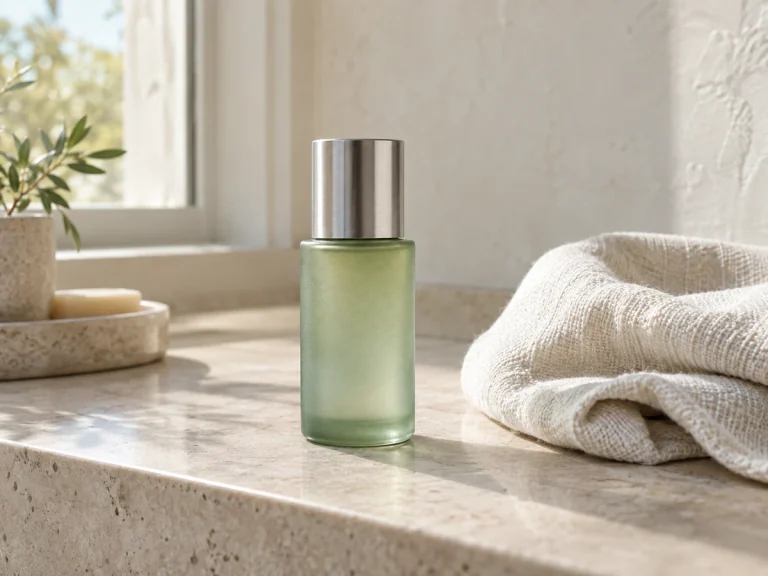
Need a different finish? Try the other background tools, save a transparent cutout for your design, or download a blank canvas in your chosen size.
You get 10 daily credits, shared between guest and signed-in use. V1 uses 3 credits per generation without an account; V2 uses 5 and requires Google sign-in. Downloading a completed White Photo costs no extra credits. Blank white canvases remain free.
No. A solid white bg contains opaque pixels, unlike transparent cutouts. This tool outputs a photo with white background. For transparent cutouts, please use our background remover.
Upload a photo and AI will aim to replace its scene with a solid #FFFFFF backdrop. Review the generated result before using it. For a guaranteed uniform blank white image, use the blank canvas download below.
Yes. Open the blank White Photo section, pick your dimensions, and export a completely white background in PNG, JPG, or WebP. Custom sizes reach 6,000 pixels on any edge.
Use a clear source photo with visible subject edges. Compare the AI result with the original. If hair or pale fabric is missing, try another generation; each new attempt uses credits.
When generation finishes, select PNG, JPG, or WebP and click Download image. The result stays on this page. Save it before processing another image.