
Terms of Service
Rules for using the background editor, account access, image rights, payments, credits, and subscriptions.
Acceptance of Terms
By accessing or using our website and editing tools, you agree to these Terms of Service. If you do not agree to these terms, do not use the service.
Using the Photo Editor
The website offers background removal, manual touch-ups, cropping, background changes, and downloads in your browser. It accepts one JPG, PNG, or WebP at a time, up to 15 MiB, 12 megapixels, and 6,000 pixels on the longest side. Optional AI background generation sends a text description for processing, without sending your photo. We may change, suspend, or discontinue features, with reasonable notice where possible.
The three input limits apply together. A 4,000 by 3,000 image contains 12 megapixels and is within the pixel limits, provided the file also meets the 15 MiB limit. A 6,000 by 4,000 image contains 24 megapixels and needs to be resized before opening. Meeting these limits does not guarantee that a particular file or device will complete an edit successfully.
Manual editing and the local tools do not send the original or a background photo you add to our servers. Uploading on the Image Background Remover or White Photo page starts an online AI image edit, sends the source photo for processing, and uses the selected model’s credits. AI output may change details or dimensions. The optional AI workflow is separate: its text request goes to a server and AI provider, and generated images and request records are stored for retrieval. The privacy policy describes these information flows in more detail.
- 15 MiBMaximum file size
- 12 megapixelsWidth × height
- 6,000 pixelsMaximum longest edge
User Accounts
You can use the basic editor without an account. If you choose Google sign-in, your first successful login creates an account. Keep your Google account secure and tell us if you notice unauthorized use. Logging out ends the current session; it does not delete your account.
For example, closing a browser window, signing out, and requesting account closure are different actions. If you want to close an account, make that request through the contact address in these terms. Do not include your Google password or sign-in codes in a support message.
Acceptable Use
Do not use the service to:
- Break applicable laws or regulations.
- Infringe someone else’s intellectual property, privacy, or other rights.
- Gain unauthorized access to systems or data.
- Disrupt the service or interfere with its operation.
- Send spam, malware, or other harmful content.
Payment and Billing
Basic browser editing and downloads are free. When checkout is available, paid plans and credit packs are purchased through Stripe in USD. The checkout page displays the amount and billing interval before you pay. A completed payment is required before paid credits are issued.
Monthly subscriptions renew each month. Yearly subscriptions are billed for the full year and renew yearly; their credits are released monthly. Unused subscription credits expire at the next monthly refresh and do not roll over. One-time credit pack balances do not expire. Daily free credits are separate and reset at midnight UTC.
Cancel renewal from Billing & plans before the next renewal date. Cancellation stops future renewals and preserves access through the paid period, including the remaining monthly releases on a yearly plan. Cancellation alone does not issue a refund. For a billing error or refund request, contact suport@aibgremoverfree.com with your order number. Any refund may require associated credits to be reversed; credits already spent may result in a balance adjustment. Nothing here limits rights granted by applicable law.
Intellectual Property
Only edit images or use text that you have the right to use. Using the editor does not transfer your rights in that content to us. Our original website content and branding are protected by applicable intellectual property laws; third-party materials and software remain subject to their own rights and licenses.
Before using an edited image
Removing a background changes the appearance of an image; it does not establish permission to use the original photo, the subject shown, or a replacement background. A photo you took yourself and a picture copied from another website can have different permissions attached to them. Keep track of the source and any permission or license that applies to material you use.
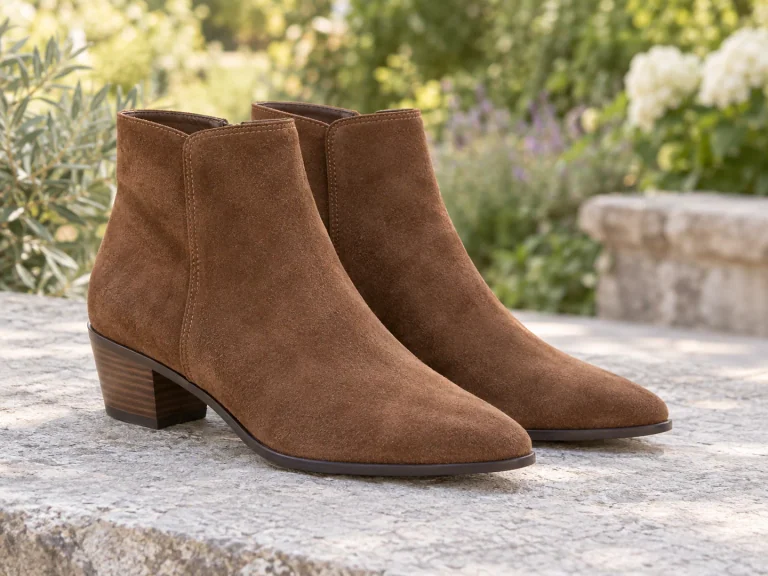
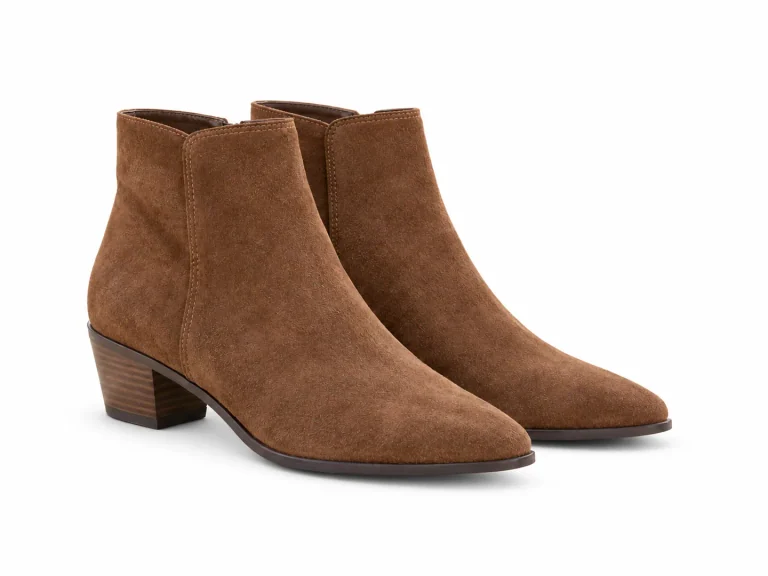
For a product listing, compare the edited picture with your original. Check that a brush has not removed part of a handle, label, seam, or other detail someone would use to understand the item. For a portrait, look over the hair and clothing edges as well as the face. These are practical ways to review the result, not a certification that the image is suitable for every purpose.
The site’s illustrations and prepared comparisons explain features. They are not proof of a customer result, a general accuracy rating, or permission to reuse third-party content. Assess your own file and the requirements of the place where you intend to publish it.

Saving and checking your result
The working image in the editor is held in your browser. It is separate from the original file on your device and from any result you download. Keep the original if you may need to start again. Download your edited version before closing the tab, resetting the editor, or opening another photo; a signed-in account does not provide a saved history of ordinary edits.
After downloading, open the file and check its format, dimensions, and appearance. PNG and WebP can preserve transparent areas. JPG is opaque, so choose the background color you want before making that download. A viewer may display a transparent file on white even when the file still has transparency.
Look at the subject against both light and dark backgrounds where possible. Hair, reflective surfaces, glass, and low-contrast edges can need further work. The destination may also have its own requirements for size or framing. A successful download alone does not show that all of those requirements have been met.
- Keep the originalYour source file
- Work in the tabTemporary editing state
- Save and reopenCheck the downloaded file
Termination
We may suspend or end access if you violate these terms. To request account closure, email suport@aibgremoverfree.com from the email linked to your account. Logging out ends your current session; it does not delete your account.
Limitation of Liability
Results depend on your photo, browser, and device, and may need manual touch-ups. Keep your original and download the edited file before leaving the page. To the maximum extent permitted by law, we are not liable for indirect, incidental, special, consequential, or punitive damages arising from your use of, or inability to use, the service.
Changes to These Terms
We may update these terms as the service changes. We record revisions with the date at the top of this page and provide a notice through the service for material changes where appropriate.
Contact
For questions about these terms, email suport@aibgremoverfree.com and tell us which section you need help with.
Include the section heading and the part you want clarified. If your question concerns a feature, add its page address and describe how you were using it. You do not need to attach your photo or sensitive account details to ask what a term means.