Upload a photo
Upload a JPG, PNG, or WebP as your subject photo. The photo stays visible beside the controls. If the file will not load, read the message and choose an image within the stated limits.

AI BG Remover’s free photo background changer uses daily free credits for AI edits. Keep your subject from your photo and describe a new scene, or upload a second image as your background reference.
Both modes use AI to create the combined photo. Choose a model, check its credit cost, then generate. Compare your result with your original and download PNG, JPG, or WebP.


AI-generated source photos and background references; actual two-photo AI outputs. Results vary.
Change your photo background
Available: — credits
1. Your photo
You get 10 free credits daily. In both modes, Model V1 uses 5 credits; Model V2 uses 8 credits and requires Google sign-in plus an active subscription or completed credit-pack purchase. Downloads cost no extra credits.
Input: JPG, PNG, or WebP. Each file must meet all three limits: 15 MiB, 12 megapixels, and 6000 px per side.
Use the free photo background changer to upload a photo, choose a background, then preview and download your result.
Upload a JPG, PNG, or WebP as your subject photo. The photo stays visible beside the controls. If the file will not load, read the message and choose an image within the stated limits.
Choose AI Background and describe the new scene, or choose Upload Background and add your second image. In both modes, our photo background changer uses your original photo as your subject reference. Check your selected model and cost before generating.
Compare your result with your original, then choose PNG, JPG, or WebP. In AI BG Remover, the free photo background changer shows output dimensions. AI can change image size; cropping reduces it.
| Source | Best for | Processing and cost |
|---|---|---|
| Solid color | Consistent backdrop | Online AI; 5 or 8 credits |
| Your image | A specific scene | Online AI; 5 or 8 credits |
| Generated | A new scene | Online AI; 5 or 8 credits |
For a simple photo background change, choose a neutral or brand color that contrasts with your subject. The free photo background changer offers swatches and a color picker in Upload Background mode. AI uses the selected color as a reference; check your result for gradients or shadows. The same model credits apply.
Choose a colorTo change the background of a picture with your own scene, upload a separate background file. AI BG Remover sends both images to AI: your first supplies your subject and your second supplies the setting. Choose similar proportions and leave room for your subject. AI can crop or alter the reference; use an image you own or have permission to use. See Background Remover Terms of Use.
Upload your backgroundDescribe the scene you want around your subject. AI BG Remover’s photo background changer sends your original photo and description online for an image edit and returns the combined photo. AI can alter fine details: compare faces, product labels, and edges with your original. Check your displayed credits and any sign-in requirement before starting.
View generation optionsThese AI background changer examples use generated source photos and background references, with actual outputs from the two-photo workflow. They illustrate quality checks, not guaranteed results. Review them using our Photo Editing Standards.
Compare your export at 100% with your original. In this photo background changer, check hair, thin edges, fingers, product lettering, and any missing details. If your result changes your subject, try a clearer source or another reference. A new generation uses credits; checking an existing result does not.
For a photo background change, check light direction, camera angle, horizon height, and contact shadows. AI can change lighting while combining your subject and background reference. Inspect your generated scene and subject details before sharing; a visually blended result can still contain inaccuracies.
The free photo background changer asks AI to retain framing and subject placement. Check scale, headroom, and floor contact. Dimensions and fine details can change. Cropping your finished photo does not regenerate it or use extra credits.
When you change the background of a photo, AI fits your referenced setting around your subject. Different aspect ratios can crop or alter objects. Compare glass and reflections with your original. Our photo background changer cannot guarantee unchanged labels, transparency, or a pixel-identical background reference.
Input

Background

Result

Detail
Input

Background

Result

Detail
Input

Background

Result

Detail
Input

Background
Result
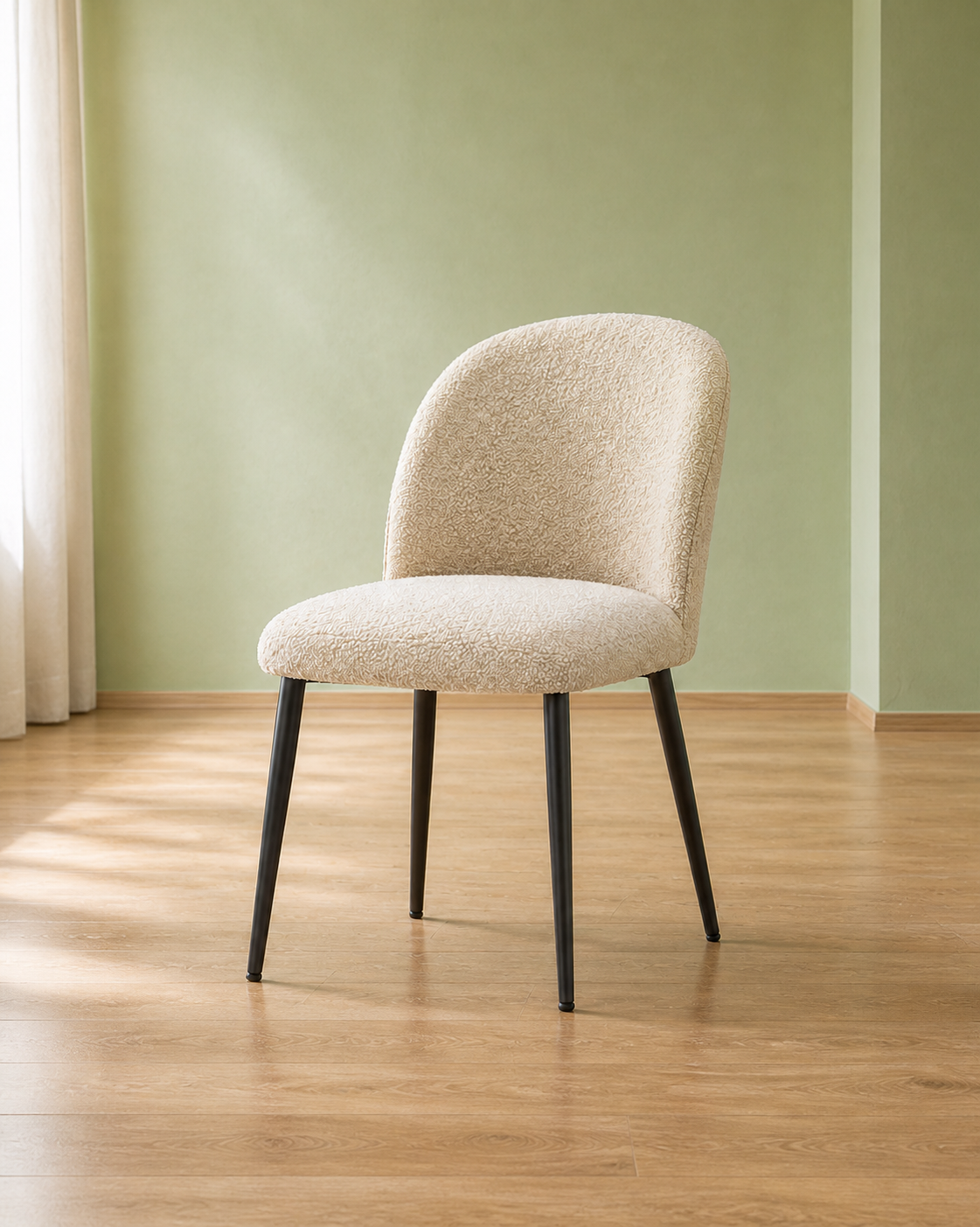
Detail
Use these background changer workflows to prepare a generated image for sharing. Compare your original, reference and finished photo before downloading.
In AI BG Remover, use the free photo background changer for a profile picture or team page. Start with a clear portrait and room around hair and shoulders. Describe a plain backdrop or upload a similarly lit scene. Compare face, hairline, clothing, and proportions with your original, including in a small preview. Check your destination’s crop. This workflow does not certify passport or ID photos.
To change photo background colors, process one product at a time in the background changer. Select a neutral or brand color, or upload a prepared backdrop. AI combines your product with that setting. Inspect shape, labels, scale, reflections, and transparency against your original; lettering and glass can change. Check your shop’s current image requirements before publishing. A background change alone does not establish compliance.
To change the background of a picture for a social post, upload a reference with room for your subject. The free photo background changer asks AI to blend them together. Check contrast, scale, thin edges, and floor contact in the background changer. AI can alter lettering and logos; add exact wording or branding separately after generation. Review output dimensions and your destination’s crop.
Both modes of the free photo background changer produce an AI-edited photo. The output can have different dimensions from your source; review its displayed size. Cropping only trims your result.
For a background changer workflow, generate a complete photo with a new scene. Choose Image Background Remover for a reusable cutout, or White Background for an opaque white result. The homepage browser editor offers manual transparency brushes; this AI photo page does not offer pixel-by-pixel subject repair.
AI BG Remover entries describe online AI editing in both modes. Competitor page claims checked 15 Nov 2026; no matched performance tests.
| Tool | Backgrounds | Editing / optional path |
|---|---|---|
| AI BG Remover | Own image; AI using your photo; color | AI with a text scene or second-image reference |
| remove.bg | Image; color tabs | Template |
| Fotor | Own image; color; generation | Editor |
| Adobe Express | Own image; color | Opens editor |
| Tool | Input limits (per file) | Export / free scope |
|---|---|---|
| AI BG Remover | JPG/ | PNG/ |
| remove.bg | Not stated | Free label; export/ |
| Fotor | JPG/ | Free HD claimed; quota unstated |
| Adobe Express | JPG/ | Free plan; export/ |
AI BG Remover’s three input limits apply together. Adobe’s MB unit is retained. Generation: check displayed credits. “Not stated” means absent from the linked page.
remove.bg announces standalone-site closure on 1 Dec 2026; see its notice.
This background changer handles a replacement scene. Use the related links for a different output, including a transparent cutout, white backdrop, or blank canvas. They open existing pages; the AI cutout and white-photo tools have their own credit rules. Offers links show their current purchase terms.
Yes. Choose Upload Background, then add a separate JPG, PNG, or WebP that you own or have permission to use. This background changer sends both images to AI: your first supplies your subject and the second is your background reference. The same 5/8-credit model costs apply. AI can crop or change details in either image.
Compare your export at 100% with your original, especially faces, hair, lettering, and thin edges. The free photo background changer uses AI in both modes. For a changed subject, try a clearer source or another reference; a new generation uses credits. The homepage editor offers manual Erase and Restore for a separate browser workflow.
The free photo background changer asks AI to fit the new setting around your source subject. Different aspect ratios can crop the reference or alter its layout. Choose a background with proportions close to your source and room for your subject. The finished-image crop control trims your result; it cannot recover missing reference content.
Yes, within the daily allowance. The free photo background changer provides 10 free credits per day: two Model V1 generations at 5 credits each. Both text and uploaded-background modes use credits. Model V2 costs 8 credits and requires Google sign-in plus an active subscription or completed credit-pack purchase. Paid accounts can use available daily credits first. Downloads cost no extra credits. See Background Remover Pricing.
Use JPG/JPEG, PNG, or WebP. Each photo and uploaded background must meet all three limits: 15 MiB, 12 megapixels, and 6000 px per side. Export PNG, JPG, or WebP; cropping reduces dimensions, and JPG fills transparent areas with white.
Both modes in AI BG Remover’s photo background changer run online. Text mode sends your source photo and description; uploaded-background mode sends your source photo and second image. Input metadata is stripped, and saved task records contain image digests rather than your source files. Generated results and request records are stored; closing the tab does not delete them. See Background Remover Privacy Policy.
Check your existing task before submitting again. Use “Check result / retry” for that generation request; stopping the wait does not cancel an accepted server job. An existing result does not incur a new charge, while a deliberate new generation does. Failed generations return reserved credits; synchronization can be pending. Contact Background Remover Support if the task or balance remains unresolved.