01
Choose a photo
Drop in a JPG, PNG, or WebP, or choose one from your device. Use a clear photo up to 15 MiB, 12 megapixels, and 6,000 pixels on its longest side. You can try a sample and remove the background before using your own photo.

Use BG Remover Free to remove backdrops from product shots and portraits, right in your browser. Touch up the edges with Erase and Restore, then download a transparent PNG. No signup or watermark.


AI-generated examples for illustration. Results depend on your photo. Create full layouts in your design app.
WHAT WOULD YOU LIKE TO DO?
For AI backgrounds: V1 · 3 credits, V2 · 5 credits. Uploads and basic cutouts are free.
or drop a photo here
JPG, PNG, WebP · up to 15 MiB · 12 megapixelsNo photo handy? Try a sample
Your photo stays on your device.FREE BG REMOVER ONLINE
BG Remover Free removes the background from a JPG, PNG, or WebP and keeps the subject as a transparent cutout. Touch up the edges, choose white or a color, then download your photo. No signup or watermark.
Try Our BG Remover Free
AI-generated examples for illustration. Results depend on your photo. Create full layouts in your design app.


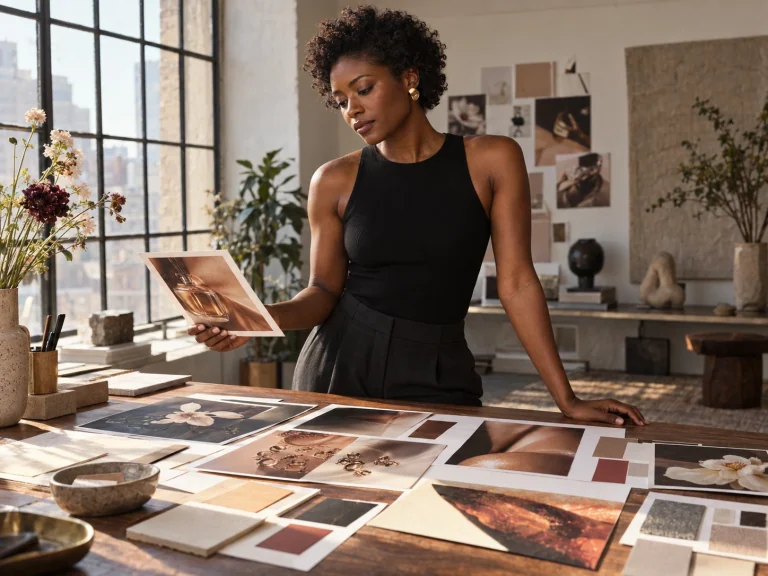
You don't need to retake a good headshot just because there's a doorframe behind you. Use our BG remover free to cut out the person, then check the hairline and shoulders. The Portrait model is worth trying when a person fills most of the frame. Save a transparent cutout for your profile layout, or put it on a plain background before you download.
Try Our BG Remover Free

Loose curls, delicate earrings, and small gaps need a careful check after background removal. The automatic background remover gives you a starting point. Use Erase to remove leftover background around the hair and accessories. If the AI takes too much, brush it back with Restore. You can refine these details without redrawing the whole outline by hand.
Try Our BG Remover Free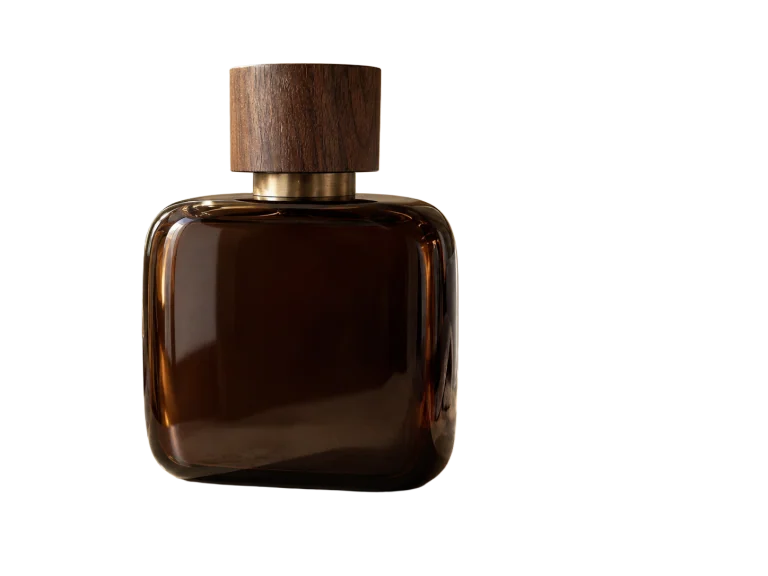
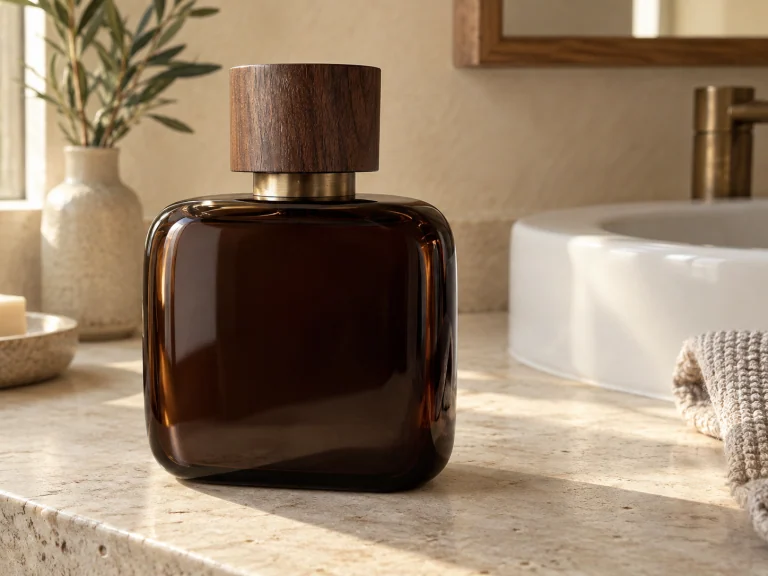
Photograph a few items on the same table and the backgrounds can still look different. Use the bg remover free on each shot, then pick the same white or solid-color backdrop for your listings. You can remove background free online and save each cutout before opening the next photo. Check bottle caps, necks, and glass edges before downloading. This free background removal tool changes the backdrop; it won't relight the item or fix an out-of-focus photo.
Try Our BG Remover Free

Once you've got the background removed, you can decide where the cutout belongs. Keep it transparent for a slide or layout. Choose white for a simple catalog image, or enter a color that matches your page. Preview the result before saving. PNG and WebP keep transparency. You get background removal free of charge, including color changes and the finished download.
Try Our BG Remover Free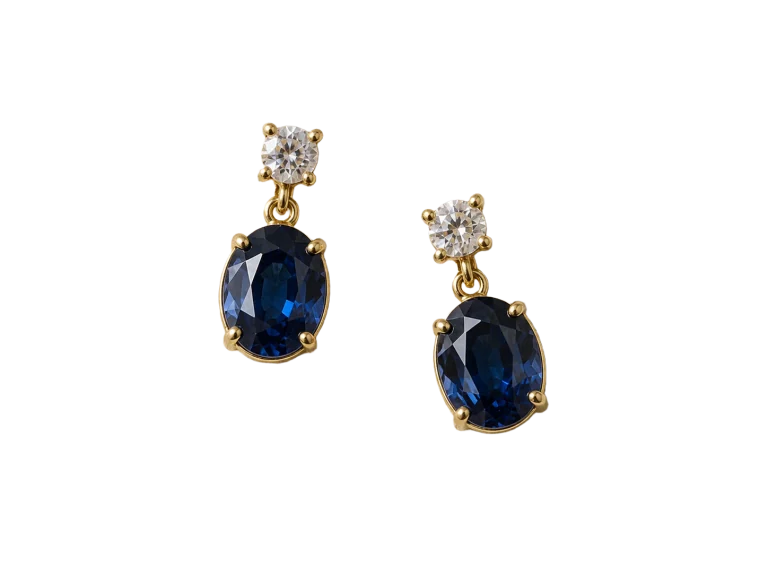
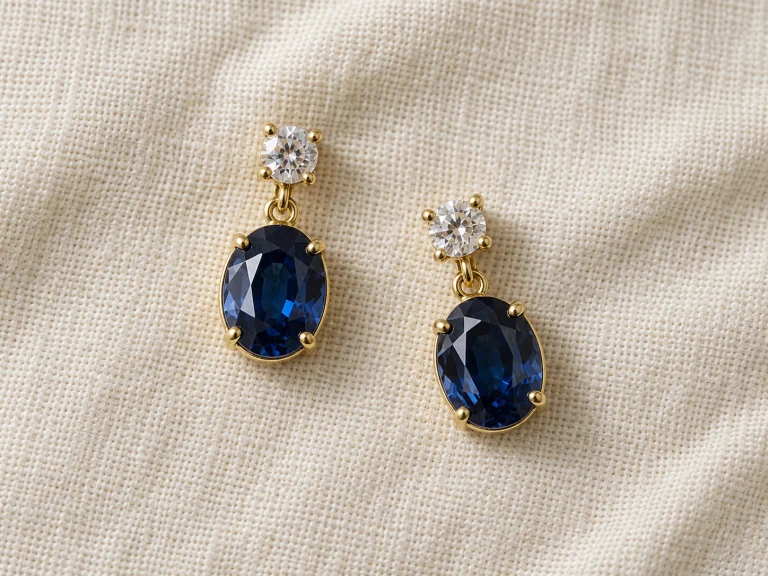
Fine jewelry can lose tiny details during automatic background removal. Check the prongs, thin links, gemstone edges, and open spaces against a contrasting color. Use a small brush to remove leftover patches or restore missing details. If a change looks wrong, hit Undo and try again. Start with a clear, well-lit photo, then check the result before saving.
Try Our BG Remover Free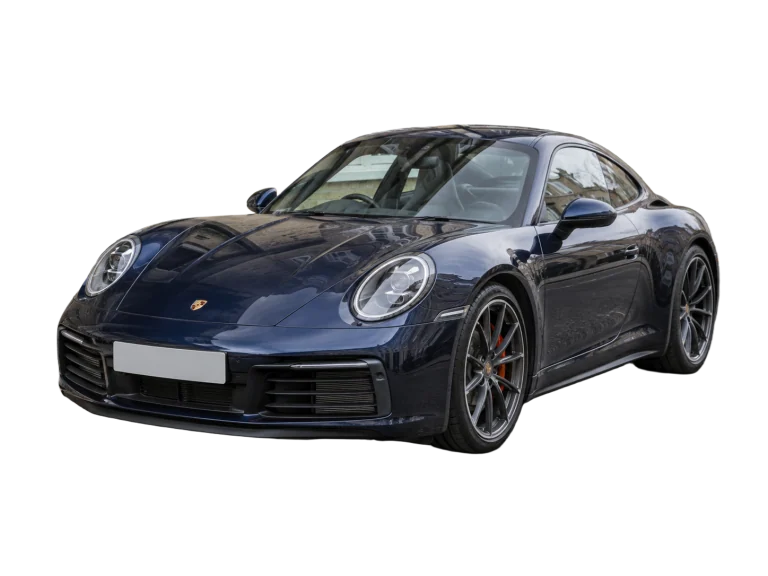
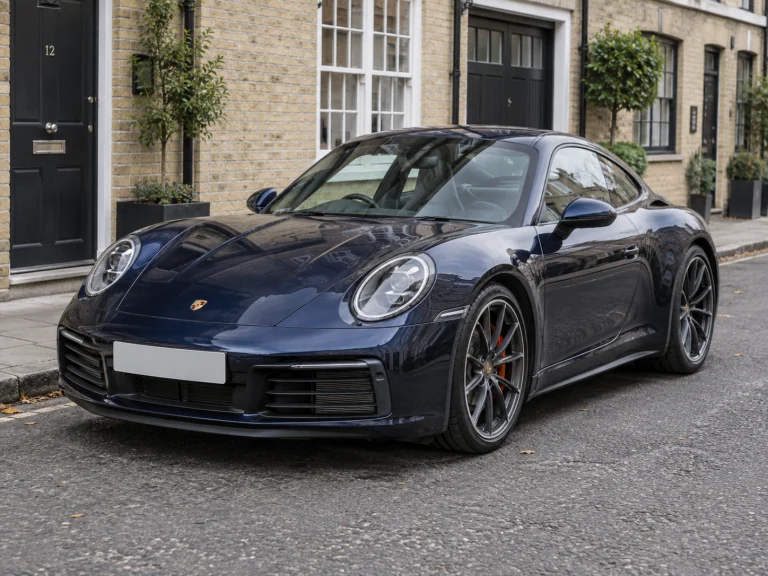
Remove the background from a car photo to use the vehicle in a listing graphic, flyer, or comparison layout. Look closely around mirrors, wheels, and windows. Use Erase to remove ground shadows outside the tires if they came through in the cutout. Use our bg remover free and export at the original image dimensions, unless you crop. Save a transparent PNG for a design app, and keep the original photo too.
Try Our BG Remover FreeDrop in a JPG, PNG, or WebP, or choose one from your device. Use a clear photo up to 15 MiB, 12 megapixels, and 6,000 pixels on its longest side. You can try a sample and remove the background before using your own photo.
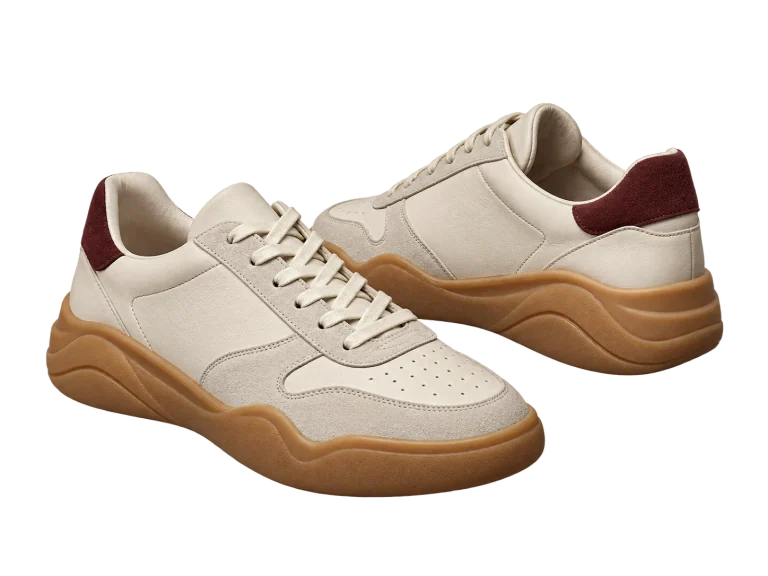
Use the free remove background option, then check the edges of your cutout. Use Erase or Restore where needed. The first run takes extra time to download the AI files.

Choose transparent, white, or a custom color. Download PNG or WebP for transparency, or JPG for a solid background. You can use the bg remover free through the download. Save your file before starting another photo.




AI-generated examples for illustration. Results depend on your photo. Create full layouts in your design app.
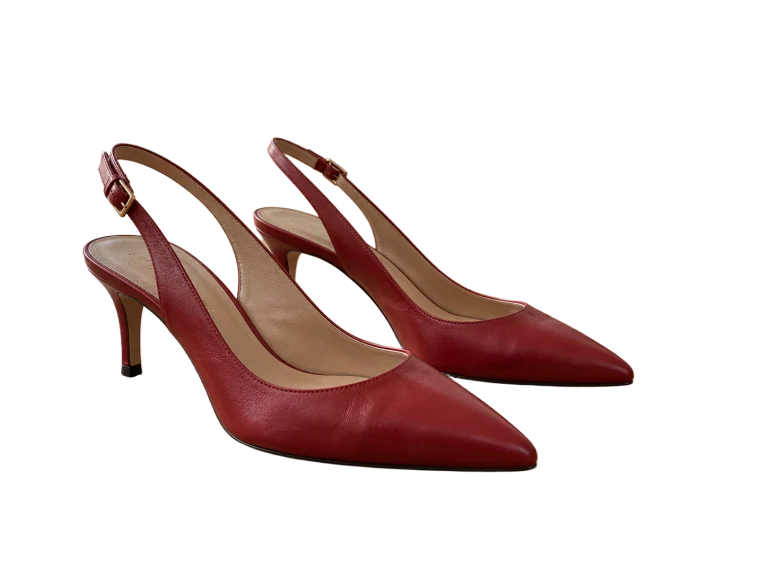
Use this free background remover tool to save just the subject. Drop the transparent PNG onto a slide, a web page, or your own design.

After removing background clutter, try a few solid colors before you settle on one. A quieter backdrop can make a busy image easier to read.
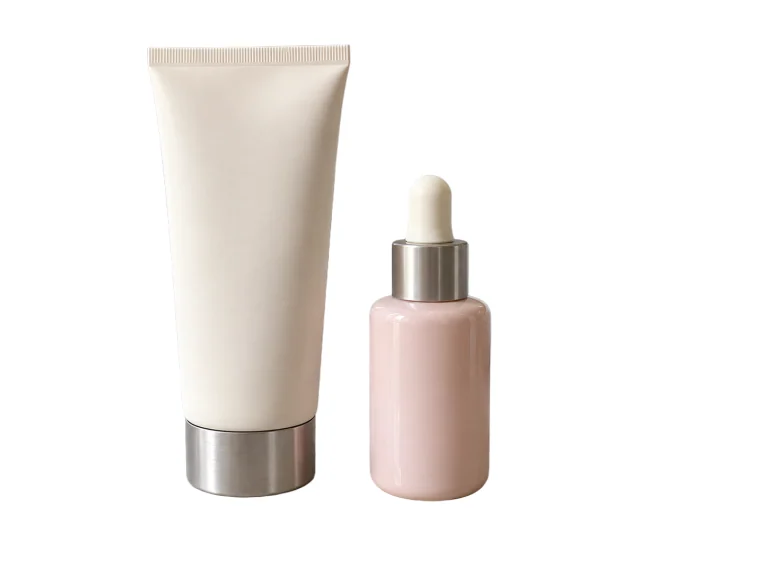
Put your cutout on plain white for a listing or catalog. Simple, clear backgrounds help people see the item. Check pale edges before saving.
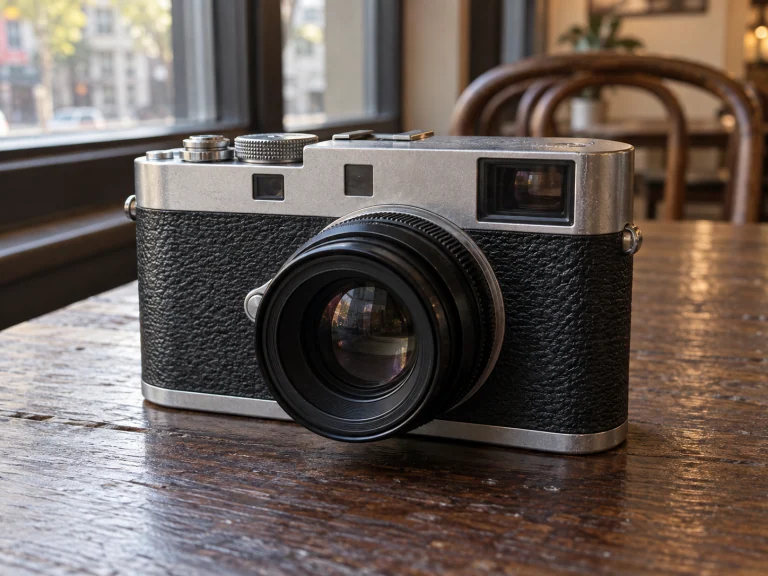
Use the bg removal tool for the first pass, then clean up a missed patch by hand. A smaller brush helps around fingers, straps, and tight corners.
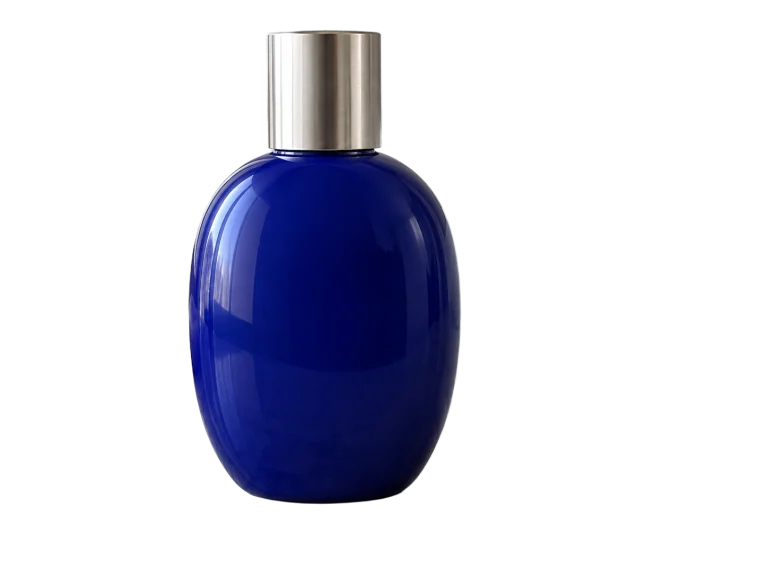
Remove bg for free and keep a transparent version you can reuse. PNG holds on to the cutout's transparent areas when you export.
Use the editor to remove the bg around a logo so it sits on your page. Check small letters and enclosed spaces before downloading.

A new profile photo, a birthday invitation, or a cutout of your dog for the group chat. Try the bg remover free when you need a quick edit without learning a whole design app. Choose a photo, take out the background, and save the version you want to use.
Let the AI start the cutout. Erase and Restore give you a way to correct the parts it misses.
Basic edits run on your device. Optional AI backgrounds send your description, while the separate AI image tools upload your photo.
Open the page and choose a photo. You can use the bg remover free without sharing an email address. This online free background remover works without an account.
You can take away background free of charge and download PNG or WebP to keep the transparent areas. Save JPG when a solid background is all you need.
Switch between transparent, white, and a custom color while you check the cutout. Download when it looks right.
You can remove background online free of charge and save the finished image. Remove backgrounds for free without a subscription, export fee, or added watermark.
Use the BG remover free to prepare a photo, then build a profile card, a product layout, or a flyer in your design app. These examples show possible compositions.
EXPLORE THE TOOLS
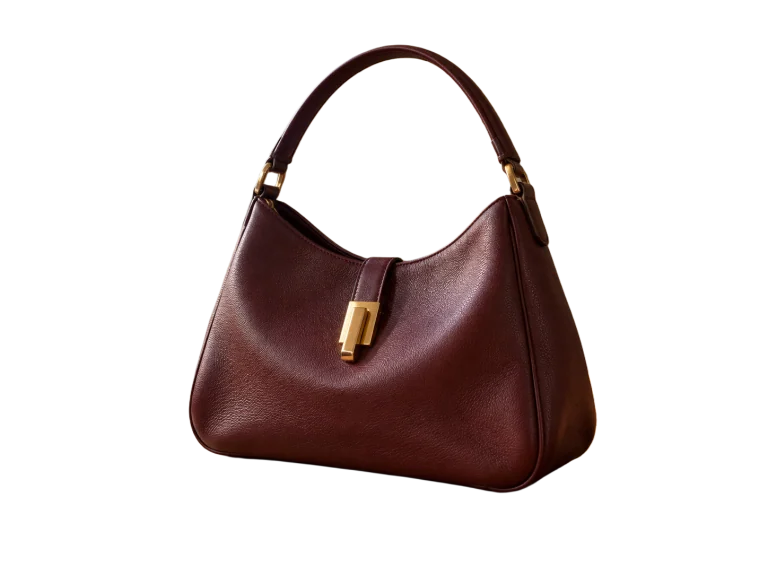
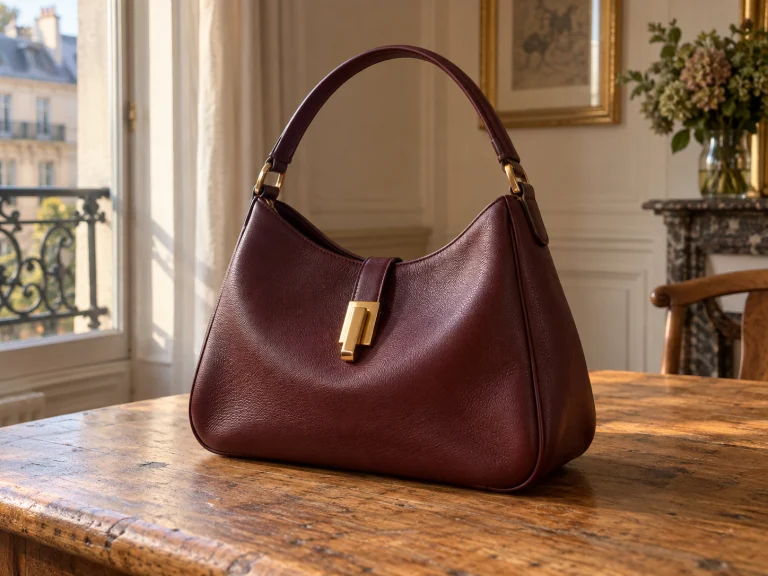
Start with BG Remover Free, put a product on white, or make a blank canvas for your next design.
Yes. You can remove background free of charge, including the finished download. No account, credit card, subscription, or watermark. Use this background remover online free of charge for one photo at a time, then save it before starting another.
Choose a photo and select Remove background. Use Erase for leftover patches and Restore for missing details. Try the Portrait model for people. You can use the bg remover free with a sample first, then check your own photo against a contrasting background.
Choose Transparent, then download PNG or WebP. The checkerboard marks transparent areas and won't appear in the saved file. JPG needs a solid background. A preview app may show your transparent PNG on white; that doesn't mean the background is still there.
Use a JPG, PNG, or WebP up to 15 MiB, 12 megapixels, and 6,000 pixels on its longest side. Downloads keep the original dimensions unless you crop. Remove the background before cropping. This editor handles one still image at a time; video, GIFs, and batches aren't supported.
For basic edits, yes. The bg remover free processes your photo in your browser. Its first run downloads model files and can take longer. Optional AI backgrounds send your description; the separate AI cutout and White Photo tools upload your photo for processing.
Yes. Use the bg remover online free of charge in a browser that supports the editor. Choose a photo from your device and keep the tab open while it processes. If a large image won't finish, try a smaller file or switch to a laptop.